
Keep sales flowing and security cameras rolling.
In retail and small business operations, a sudden power drop can halt payment terminals, disrupt cash drawers, cut off barcode scanners, and blind security camera systems. A reliable AWP UPS helps maintain transaction continuity and keeps vital surveillance monitoring active during unexpected power interruptions.
Ensure continuous operation for checkout counters, registers, and surveillance hubs against local grid fluctuations.When downtime directly affects your daily revenue and security.
Retail storefronts and commercial counters cannot afford sudden blackouts. When power fails mid-transaction, customer interactions face delays, digital payment gateways disconnect, and cash registers may lock up. Simultaneously, security cameras and network video recorders (NVRs) require constant power to maintain premises visibility. A dedicated business UPS bridges these gaps smoothly.
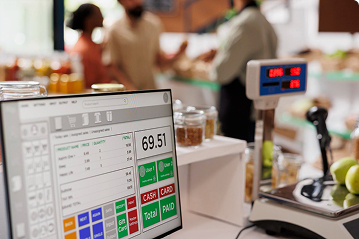
Point of Sale (POS) Terminals
Keep touch terminals, receipt printers, and barcode scanners powered long enough to complete ongoing customer transactions safely.
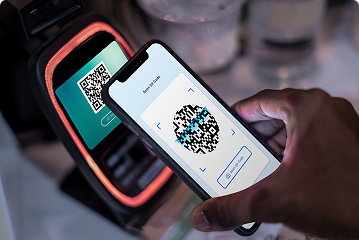
Digital Payment Gateways
Maintain router and modem connectivity so mobile wallet and card payment machines remain operational during brief service dips.
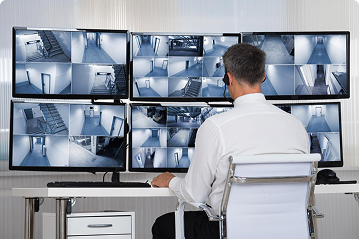
CCTV & Security Surveillance
Prevent security blind spots by backing up your digital video recorder (DVR), network video recorder (NVR), and security camera feeds.
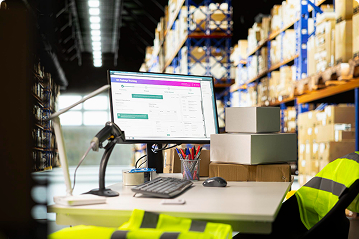
Inventory & Barcode Systems
Safeguard inventory lookup databases and stock management computers from unexpected shutdowns and data corruption.
From single checkout counters to multi-camera security hubs.
Selecting the appropriate retail backup solution depends on your hardware configuration, total watt draw, and the duration required to keep systems running smoothly.
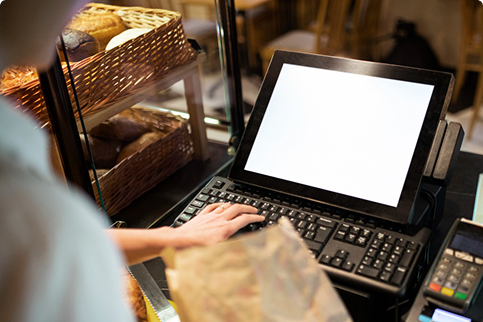
Single Counter POS & Router
For compact retail desks running an all-in-one POS terminal, barcode scanner, receipt printer, and local internet router.
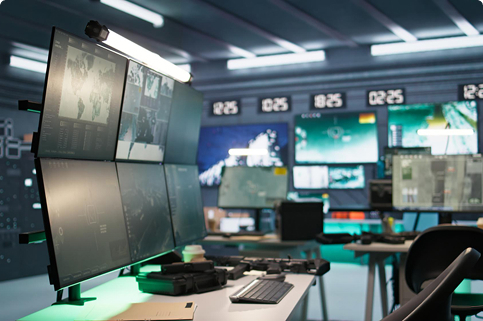
CCTV NVR & Surveillance Hub
For security setups powering a central NVR/DVR unit, multiple PoE security cameras, and network switches to maintain continuous video logs.

Full-Service Retail Storefront
For busy commercial hubs operating multiple checkout stations, inventory servers, local networking racks, and integrated security monitoring.
Protect every link in your transaction and security chain.
Following a structured planning method helps you calculate exact power requirements for checkout counters and camera hubs without risking unexpected equipment shutdowns.
-
1
Audit all checkout hardware
List touch screens, receipt printers, barcode scanners, and payment terminals.
-
2
Account for security equipment
Include your central NVR/DVR box, network switch, and security cameras.
-
3
Calculate total combined wattage
Sum up the power ratings of all active devices to determine minimum capacity.
-
4
Determine required backup duration
Decide if you need short shutdown time or enough runtime to complete ongoing sales.
-
5
Verify outlet compatibility and form factor
Confirm plug types, physical space constraints, and rack-mount or tower placement.
Standard setups designed for retail and security environments.
Tailor your power backup profile to match specific commercial applications.
Standalone Boutique Counter
POS terminal + receipt printer + internet router + card payment machine. Keeps checkout workflows smooth during brief voltage dips.
Small Business CCTV Hub
8-channel or 16-channel NVR + PoE switch + security monitor. Maintains recording integrity and live footage visibility during unexpected outages.
Convenience Store Checkout
Touch POS system + barcode scanner + cash drawer + modem + basic security camera feed integration for uninterrupted operation.
Commercial Office Security Station
Surveillance recording server + network router + multi-screen security monitoring desk requiring stable, clean power transition.
Frequently Asked Questions
Protect your retail counters and security systems.
Tell us about your POS setup, camera count, and business power requirements. We will help you identify the right AWP solution.
Final disclaimer: Recommendations must be confirmed using the specifications of the exact locally available model. A UPS does not replace safe electrical installation or equipment-specific operating requirements.